Live on web and Android
From handwritten answer sheets to question-wise marks and reports.
Saraswati AI grades handwritten answer sheets for schools and coaching institutes. Teachers approve every result before it is shared.
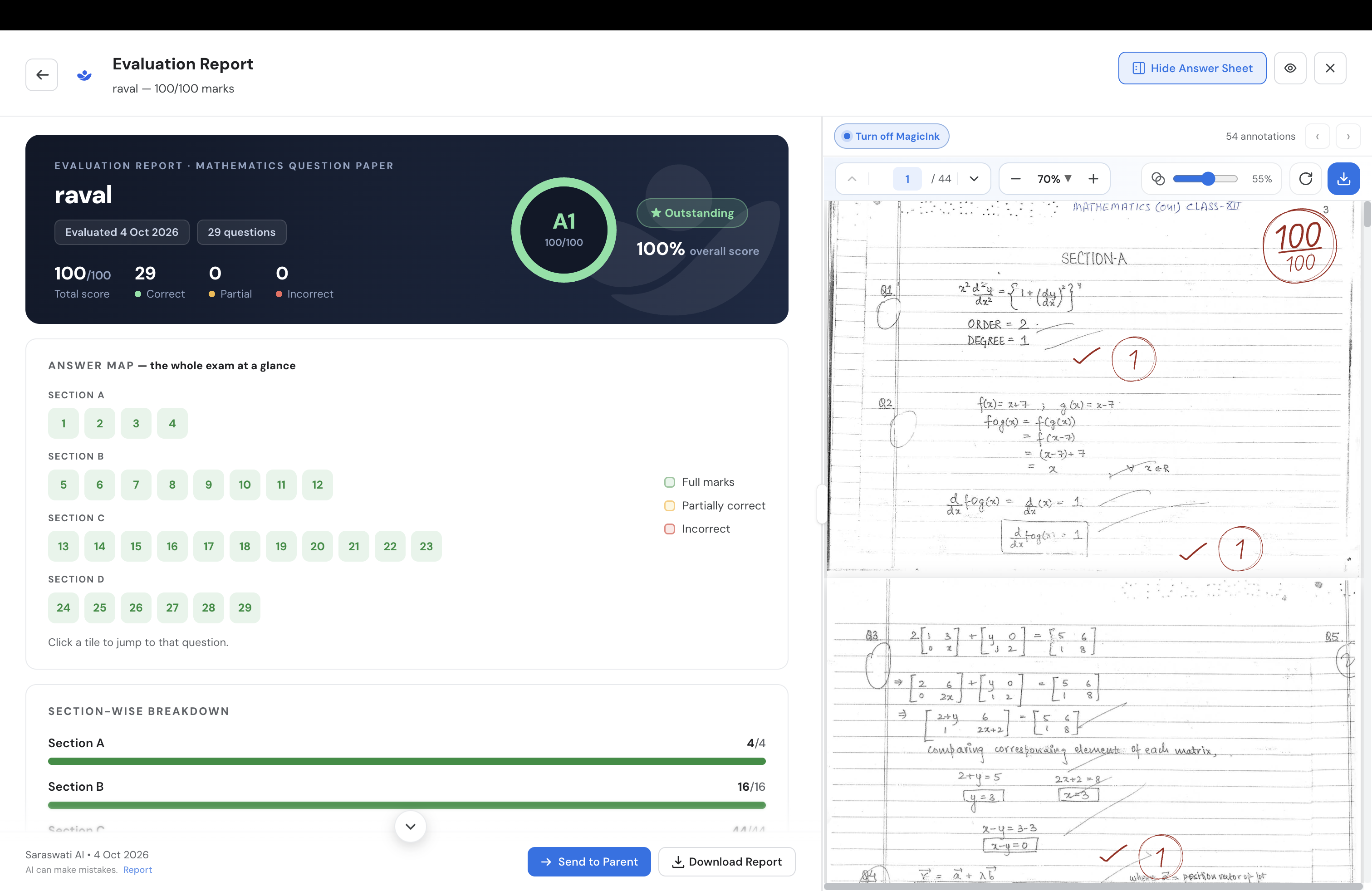
Take the interactive tour
Click through the web app with demo data. No sign-up needed.
How it works
Explore grading, reviews and reports in the Saraswati app.
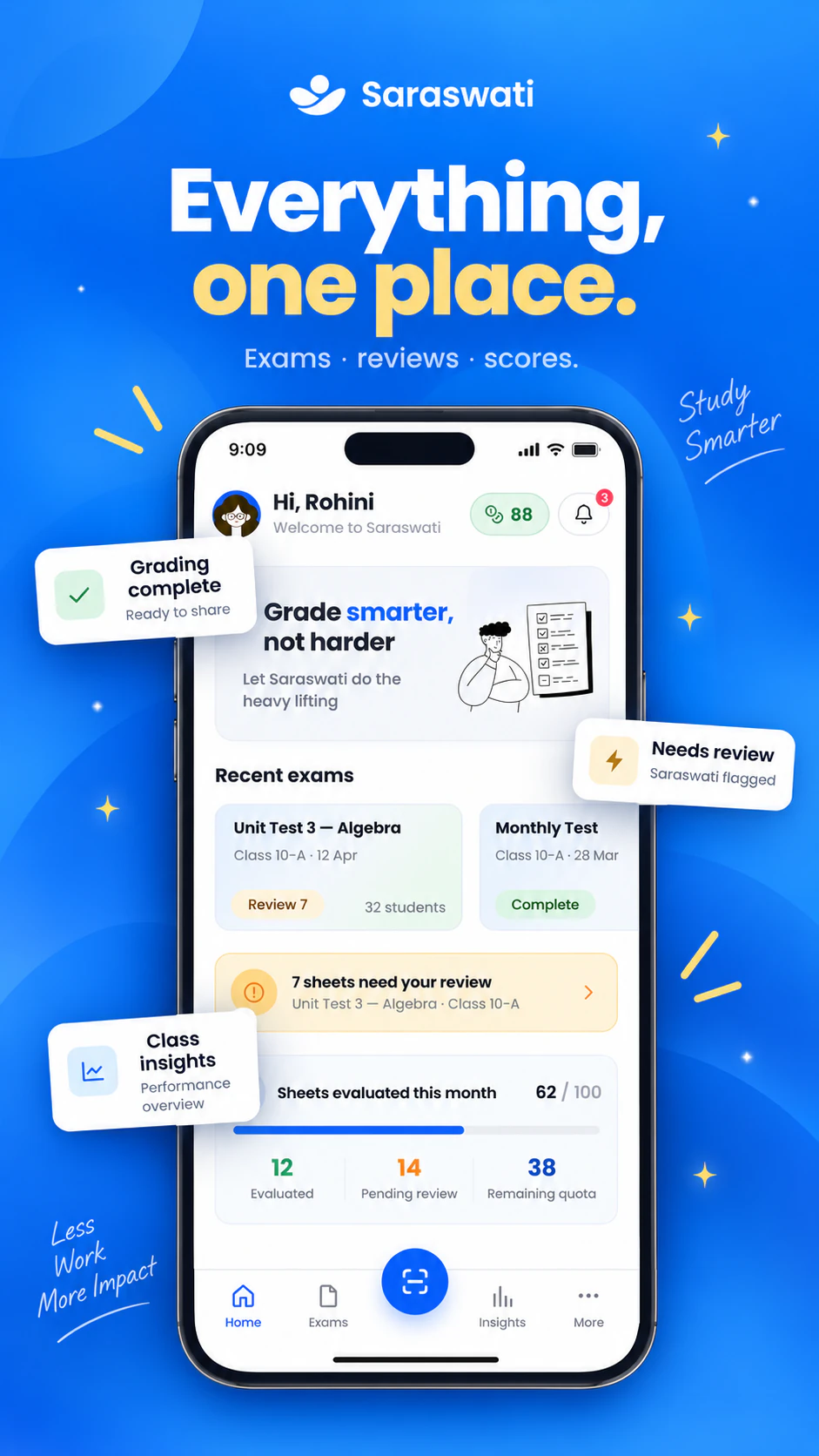
Step 1
Keep every exam in one place
See recent exams, sheets waiting for review and your monthly grading usage.
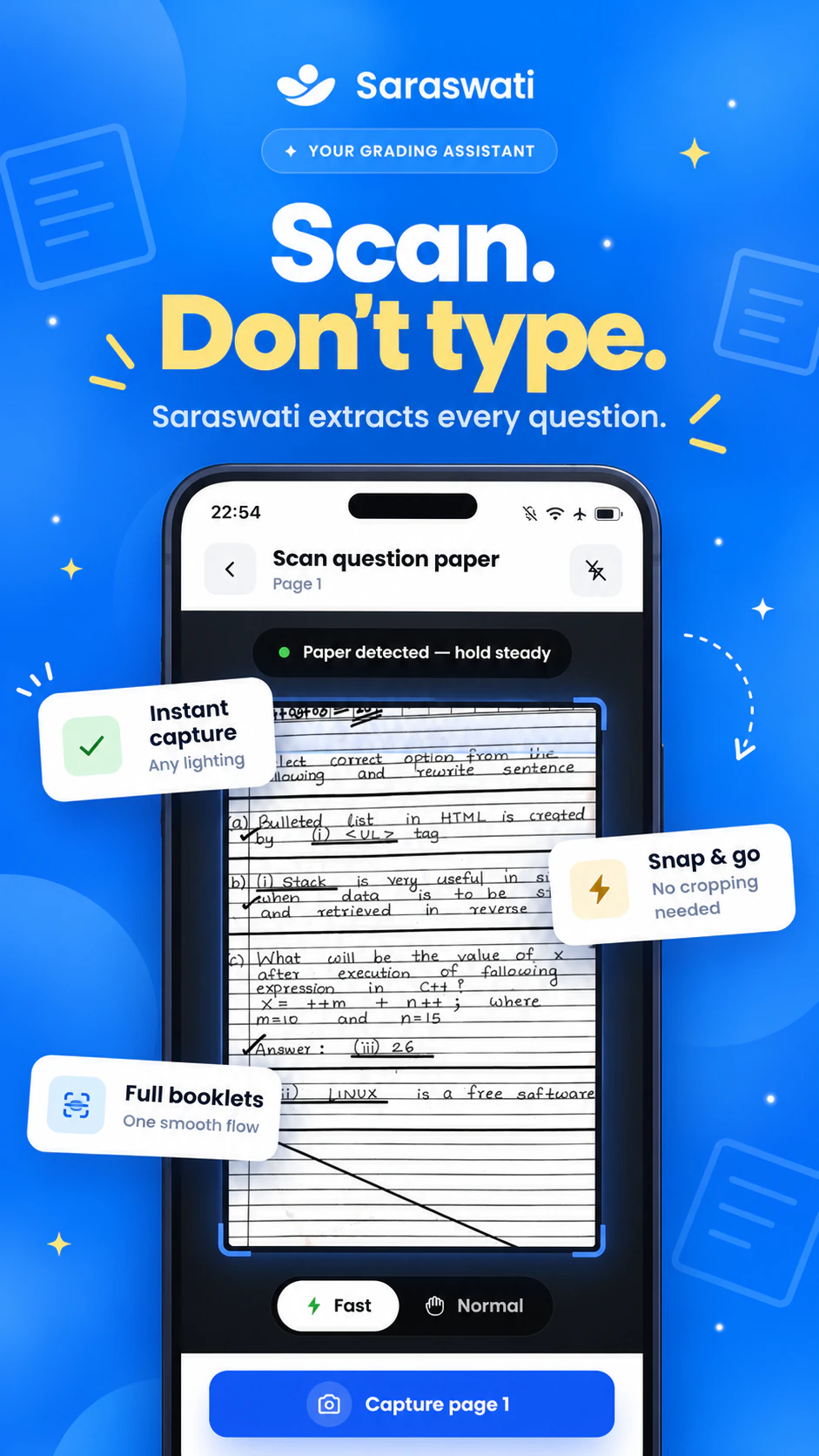
Step 2
Scan the question paper
Snap each page or upload a PDF. Saraswati reads every question.
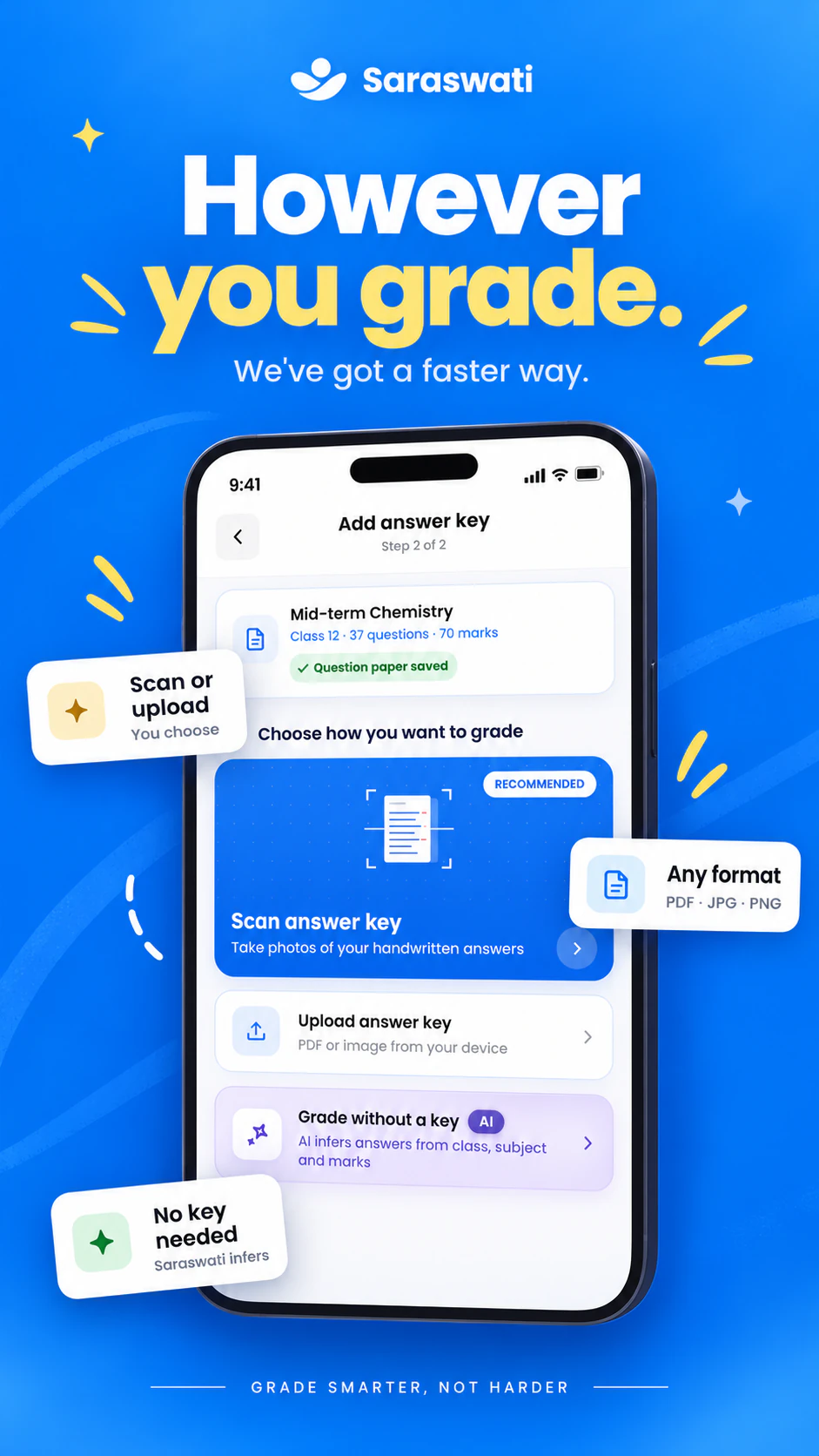
Step 3
Add the answer key, or skip it
Scan or upload your key, or let Saraswati draft one.
Step 4
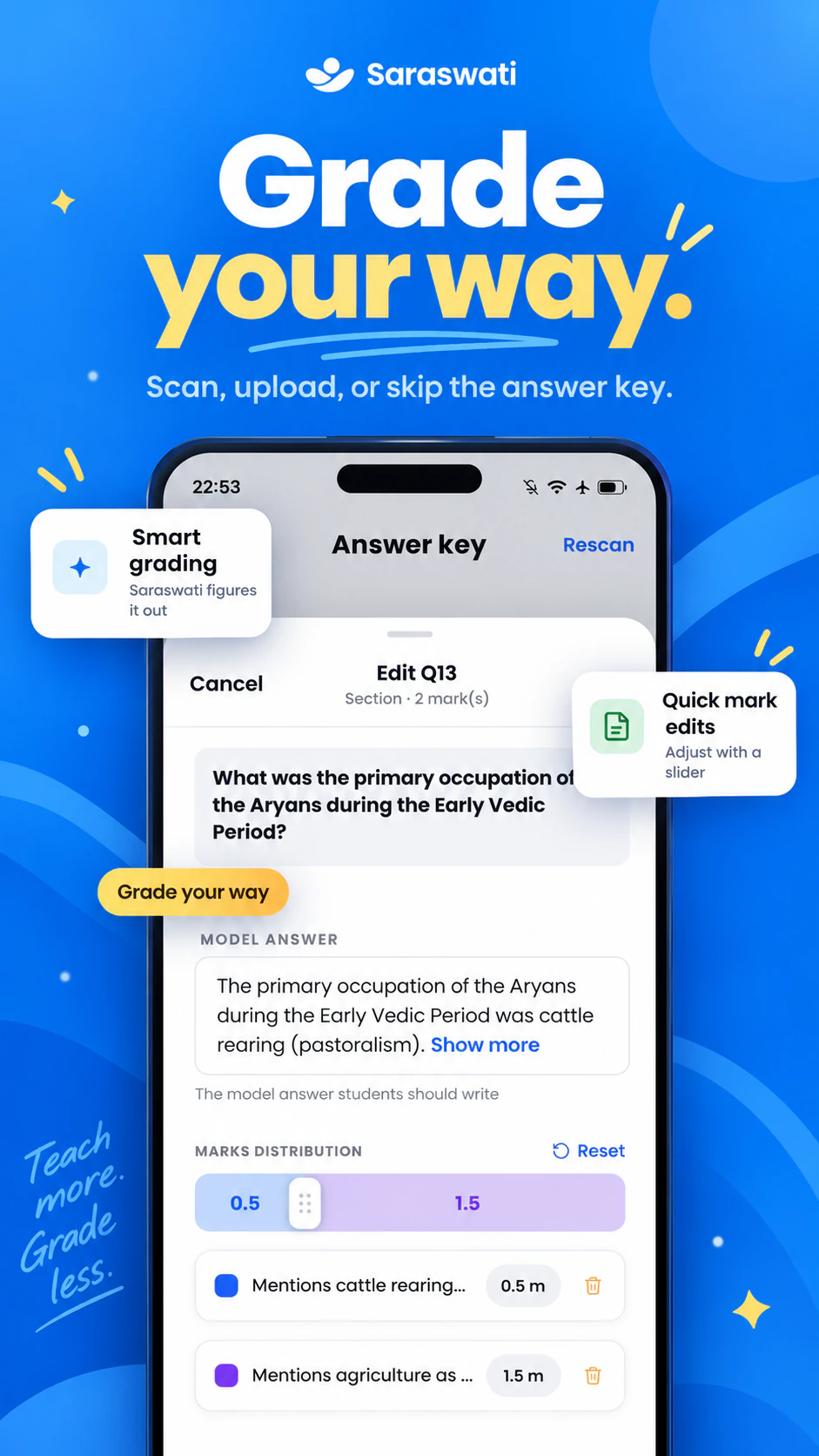
Check the marking scheme
Edit any model answer and split its marks with a slider.
Step 5
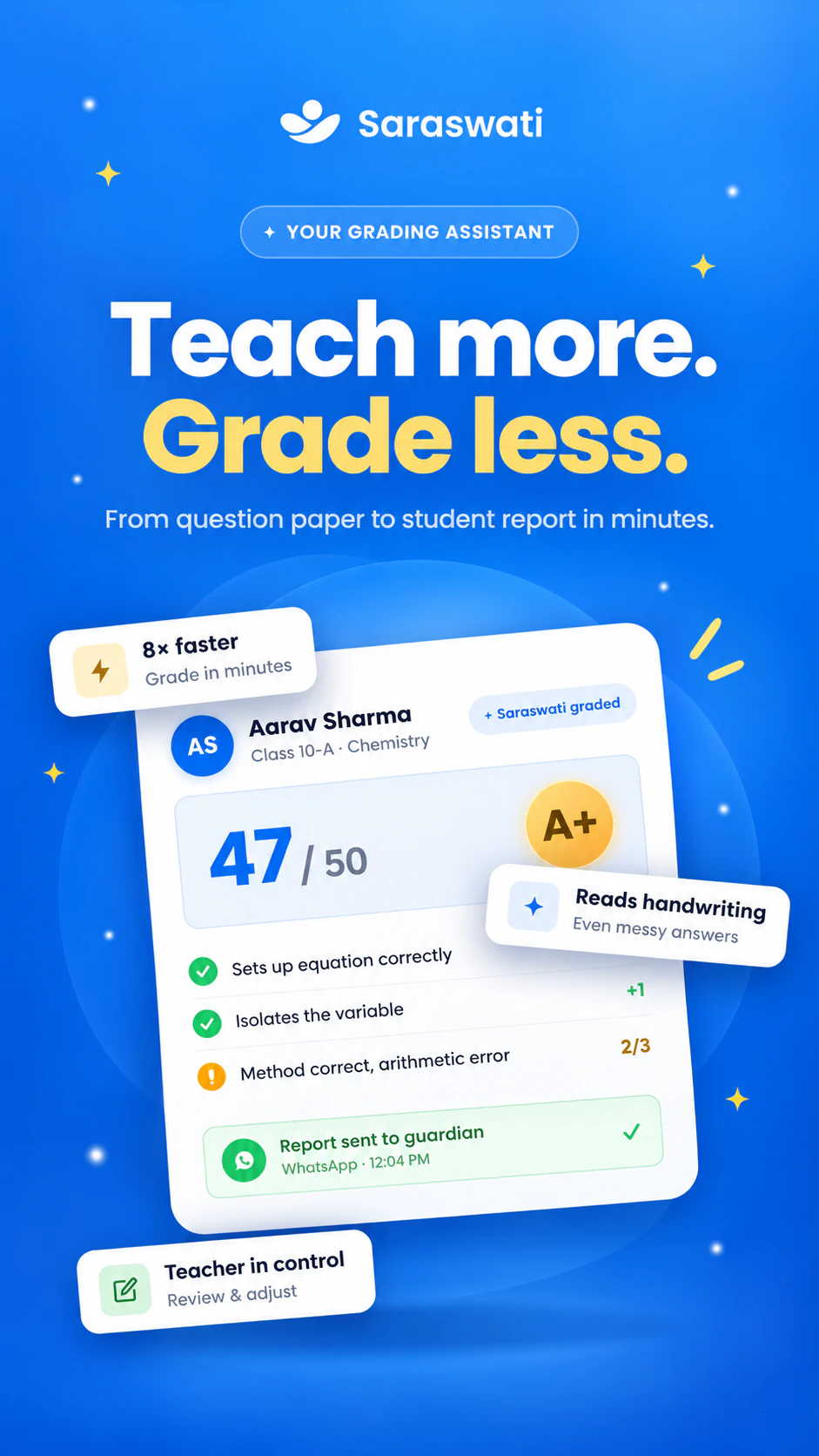
Grade the answer sheets
Scan or upload the answer sheets. Saraswati grades each answer for you to review.
Step 6
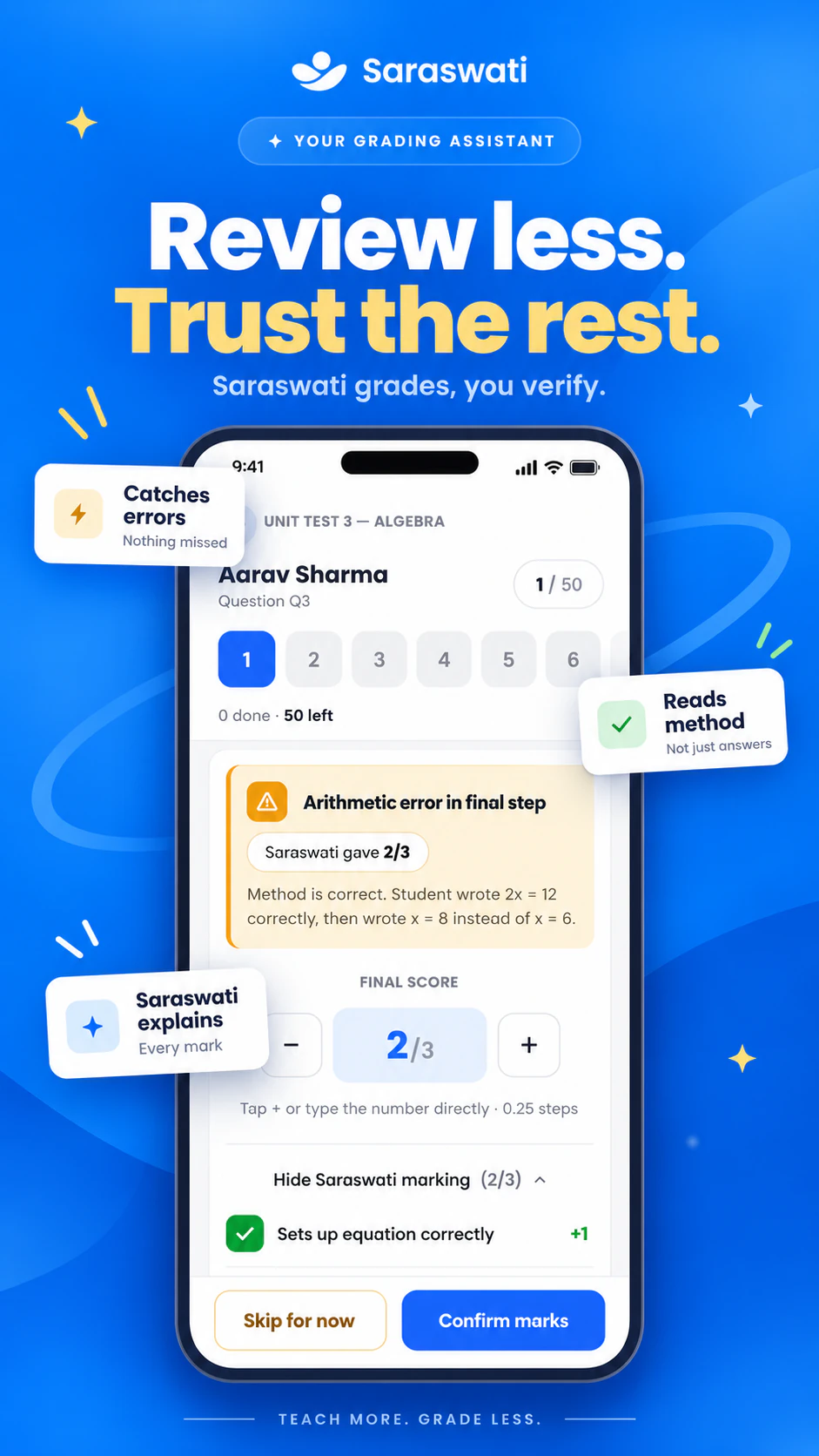
Review the flagged answers
Saraswati flags the answers it is unsure about. You check only those.
Step 7
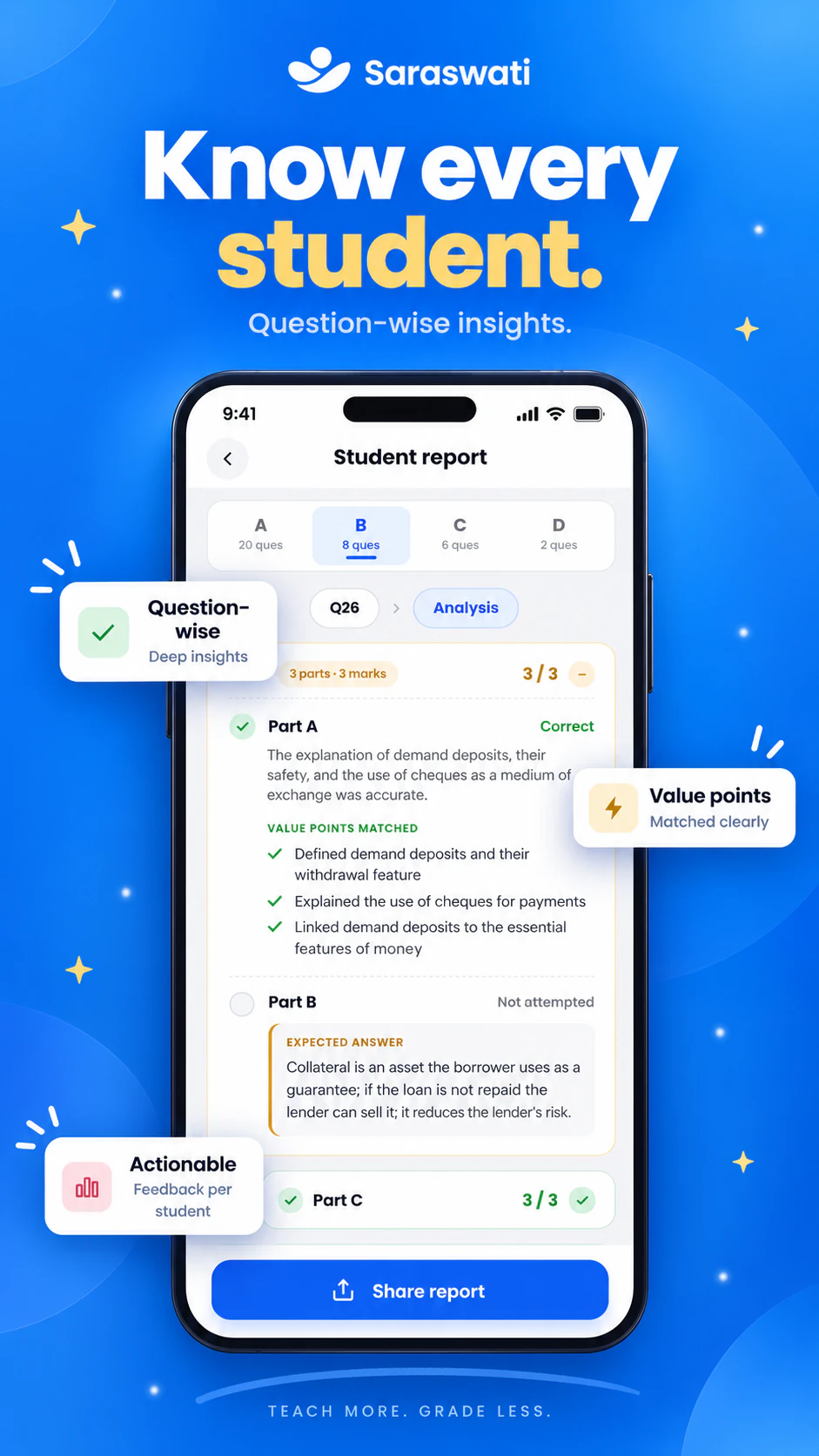
See student and class reports
Every student gets a question-wise report, and you get the class view.
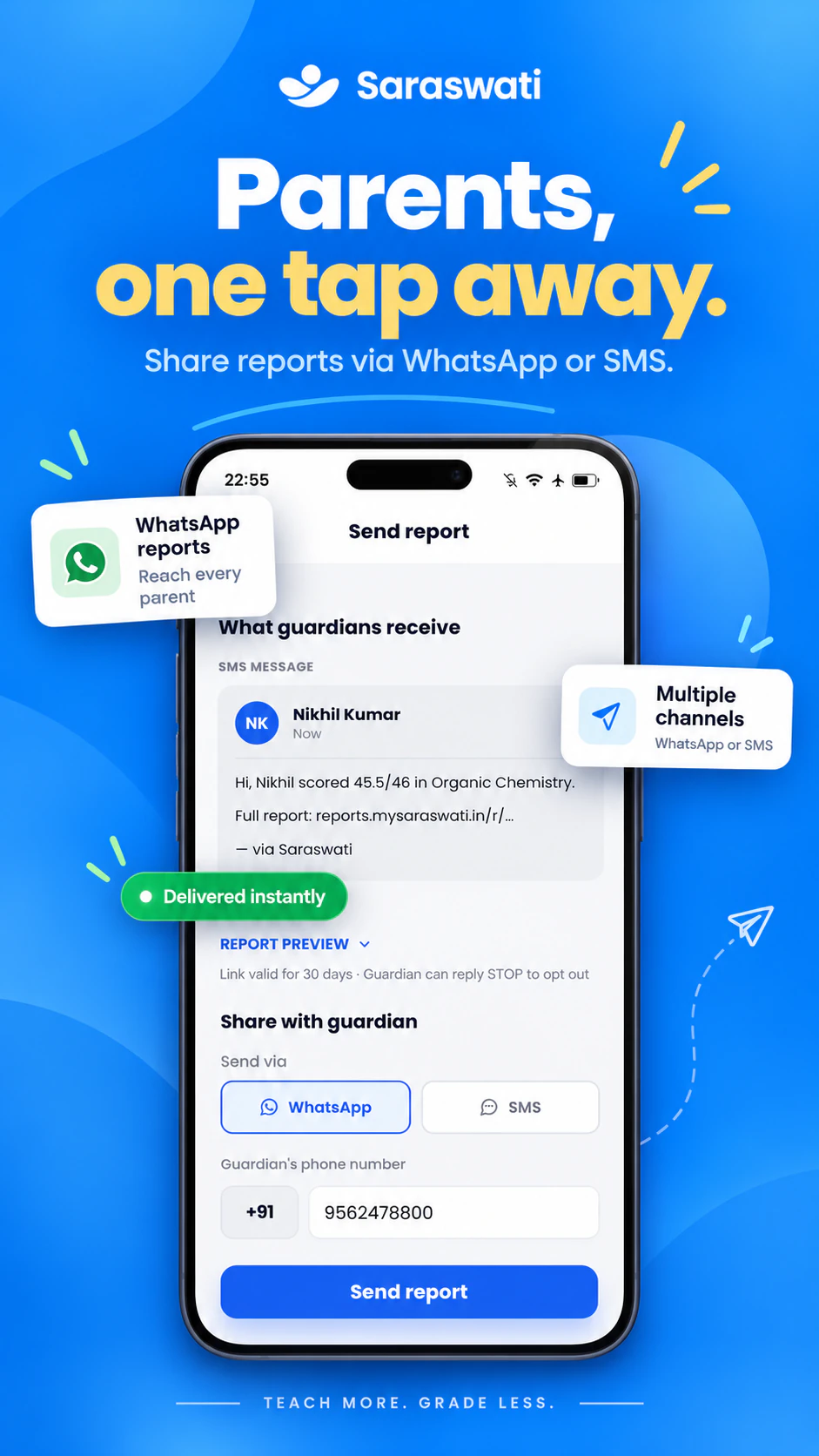
Step 8
Send reports to parents
Guardians get the score and a link to the full report on WhatsApp or SMS.
Take flight with Saraswati AI
Your first 10 evaluations are free. Bring your own marking scheme and see question-wise results in minutes. You approve everything before it is shared.